Search and the assistant know about your products exactly as much as the feed says. We go through which fields Findlee reads, where variants break and why currency matters.
Which feed works
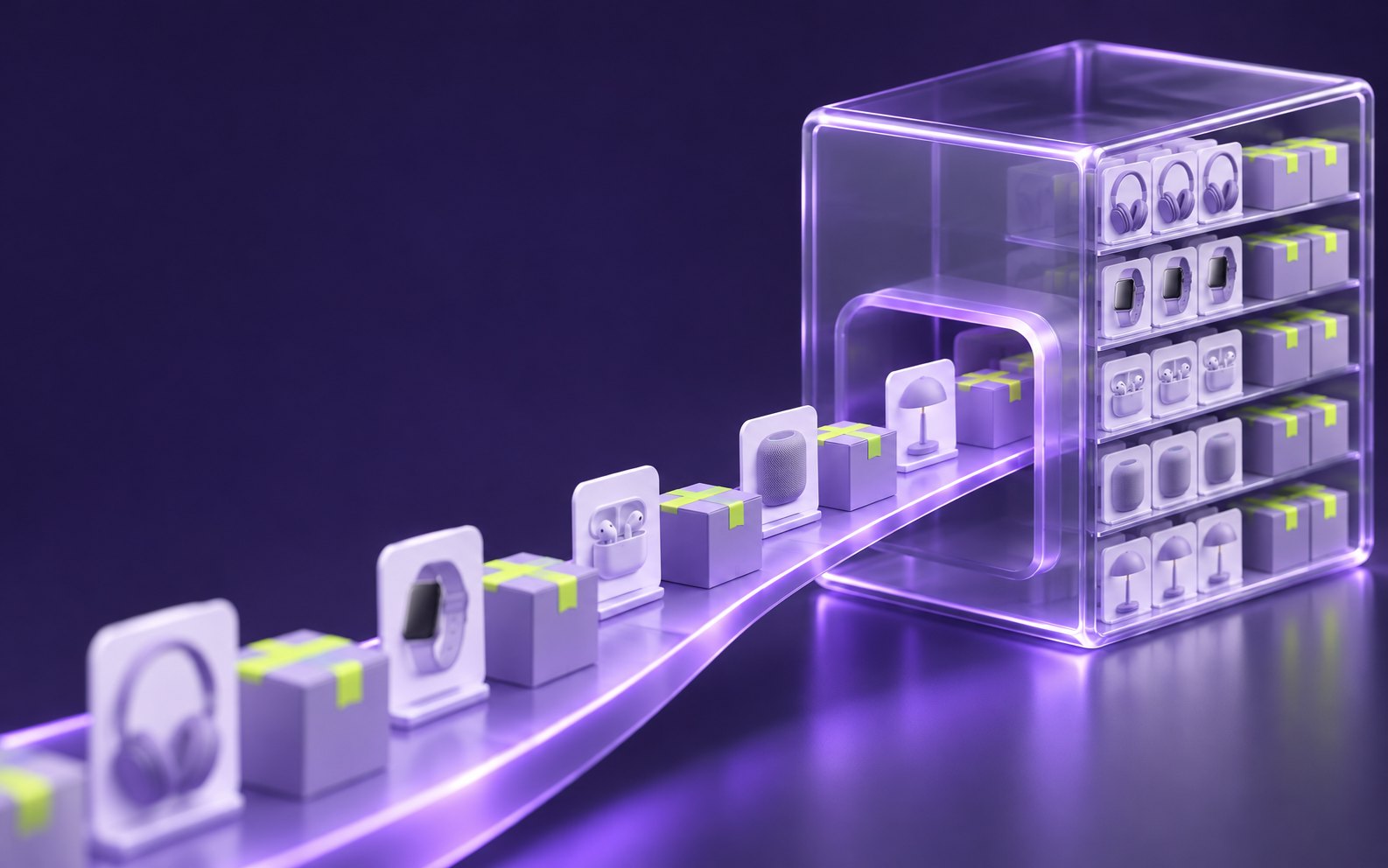
Findlee takes the catalog from a product feed in Google Merchant (XML) or Meta Catalog format. You do not need to make a special format: if the store already runs ads, you most likely have a feed. Horoshop, for example, produces exactly Google Merchant, and how to connect it is on the Findlee for Horoshop page.
YML feeds used by Prom and Rozetka are not supported yet.
Connecting is simple: in the Findlee cabinet open "Settings", "General", choose the "Google Merchant (XML)" type, paste the full feed link and press "Check". The system shows whether the file looks like a product feed. If not, you will see a message that no product with g:id was found in the XML.
Which fields Findlee reads
Only one is required: g:id. A row without it is skipped and the product will not be in the catalog.
It is worth filling in the rest, because they make up what search and the assistant see: title and description (words are searched in them), g:brand, link, g:image_link, g:price and g:sale_price, g:availability, a category from g:product_type or g:google_product_category, and also g:color, g:size and g:material.
The description lets people down most often. An empty description means a product is almost impossible to find by meaning: the title "Air 90 sneakers" has no word "running", even if they are running shoes.
Prices and currency
Two details with prices. If a row has g:sale_price, it becomes the current price, and g:price is shown as the crossed-out old one, only when it is higher than the sale price.
The second is harder to notice. Currency is not read from the feed. Only the number is taken from the price, and the system does not check that it is hryvnias. So the feed must be in the same currency as set in the cabinet, otherwise "1200 UAH" and "30 USD" simply become numbers.
Sizes and colors: item_group_id
Sneakers in one size and sneakers in another are one product for a store and two rows for a feed. For Findlee to see they are one product, the rows need the same g:item_group_id. Then they merge into one product with variations, and the assistant sees color, size and material separately. Each variant keeps its own g:id.
Without a shared item_group_id every row becomes its own product, and the shopper sees five identical cards instead of one.
One more thing, known to anyone who connected the assistant to a product page. The article number on the page must match g:id in the feed, otherwise the assistant cannot tell which product it is being asked about. How to do this on Horoshop is shown in a separate guide.
Fifteen minutes before connecting
Open the XML in a browser and take three products: a regular one, one on sale and one with variants. Check that each has g:id, a proper title (not just an article number), a non-empty description, a photo and a price. For the product with variants, all rows share one g:item_group_id.
If all is well, go on to setup. And what this does for smarter search is in the articles what AI search is and empty search results in a store. Smart catalog search itself already works from this feed.
Questions about the product feed
Do I need a separate feed for Findlee?
No. A Google Merchant or Meta Catalog feed that your store already makes for ads will do.
Is YML supported?
Not yet. Findlee does not read the YML feeds of Prom and Rozetka.
What happens if a product has no g:id?
A row without g:id is skipped, and that product will not appear in the Findlee catalog.
Does Findlee read currency from the feed?
No. Only the number is taken from the price. The feed must be in the same currency as set in the cabinet.
How do I merge sizes and colors into one product?
Give all variants the same g:item_group_id. Each variant keeps its own g:id.